01
CHOOSE YOUR WORKFLOW
WRAPS · SKINS · COLOR IDEAS
Tesla Wrap Colors
Browse Tesla wraps, skins and color ideas for Model 3, Model Y and Cybertruck, then preview your favorite design online.
24designs to explore
for your model
for your model
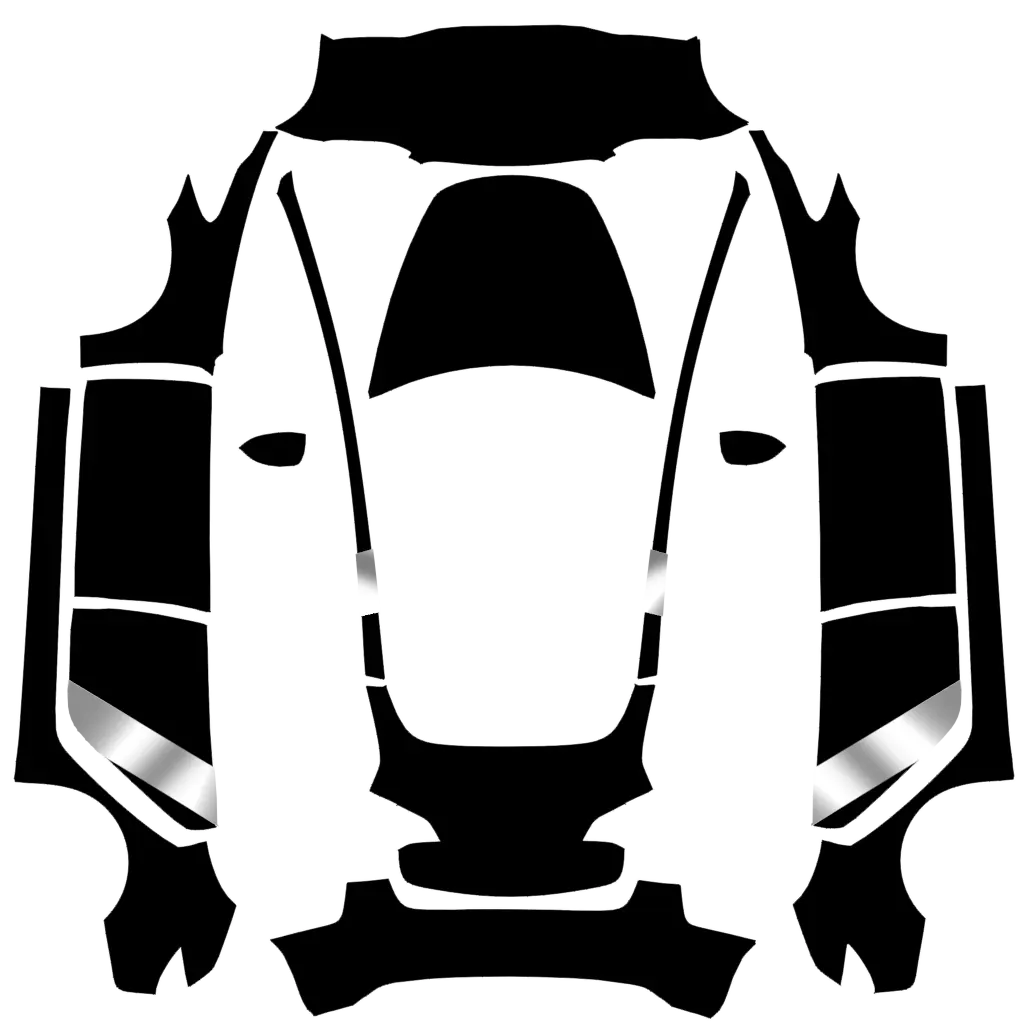 yinse lahuaTesla Model 3 2017-2023 · communityView design →
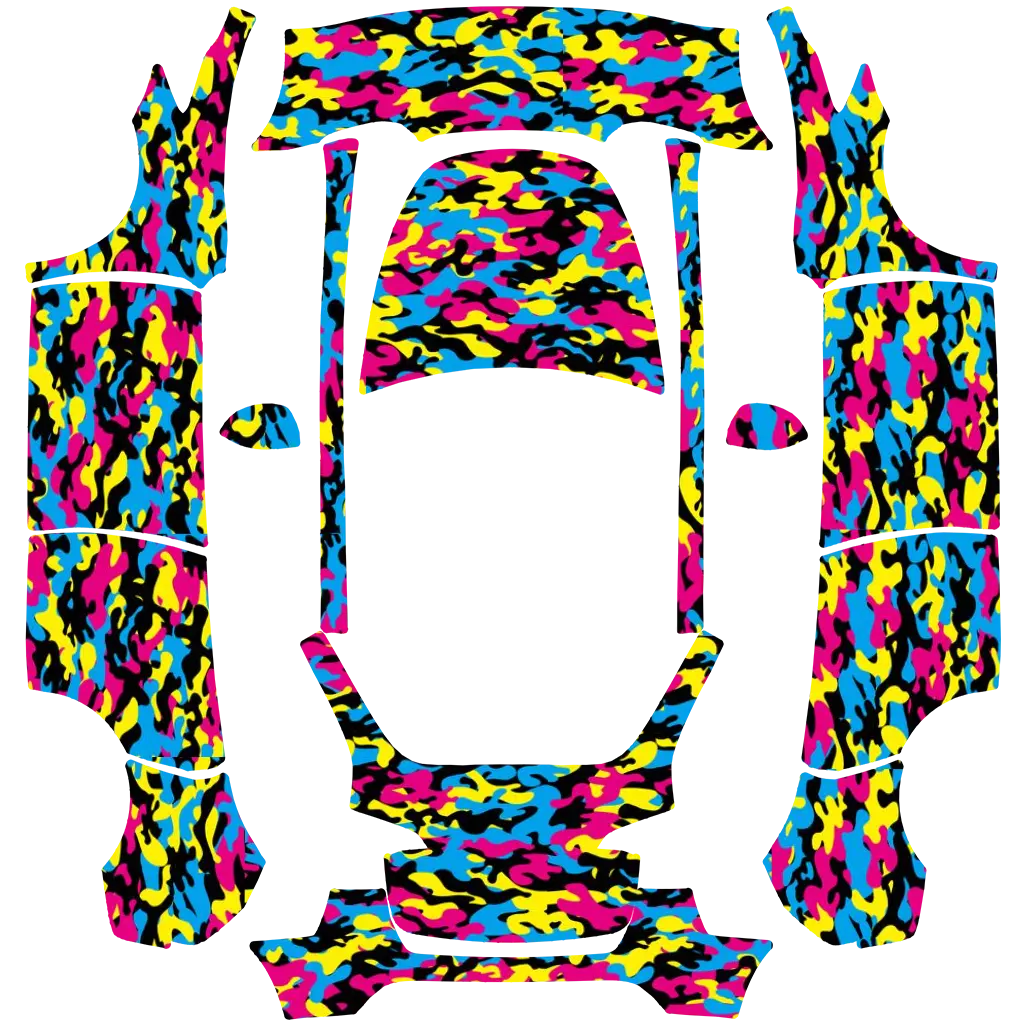 urban camoTesla Model Y 2020-2024 · communityView design →
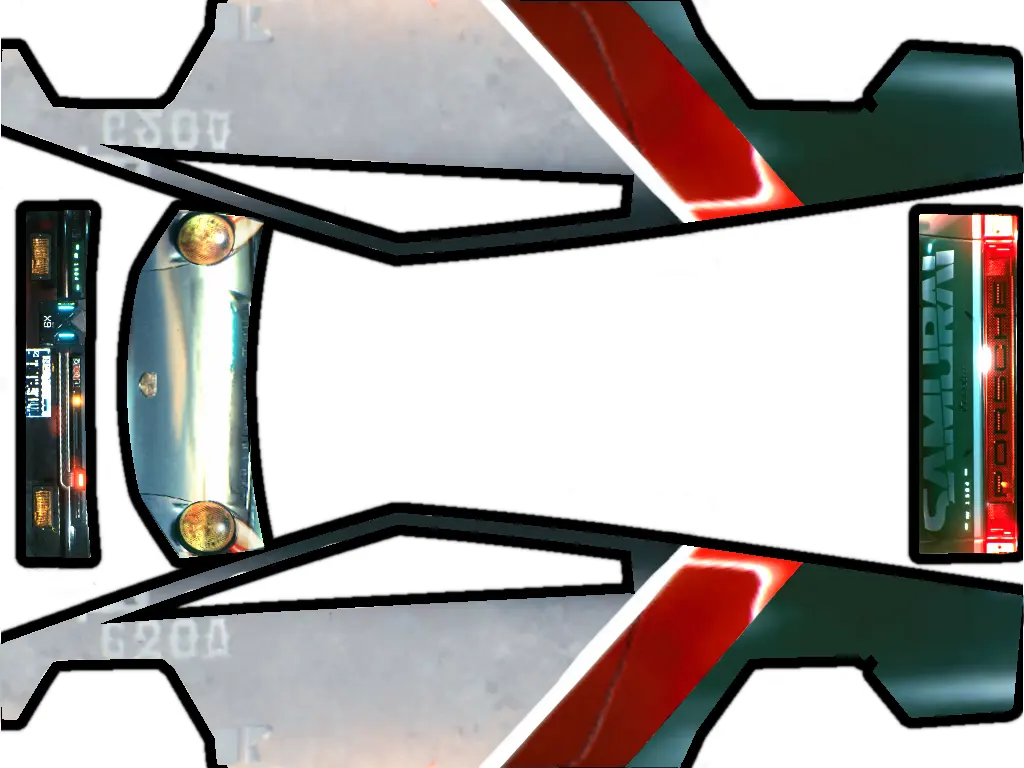 Unnamed 3Tesla Cybertruck 2024 2025 · communityView design →
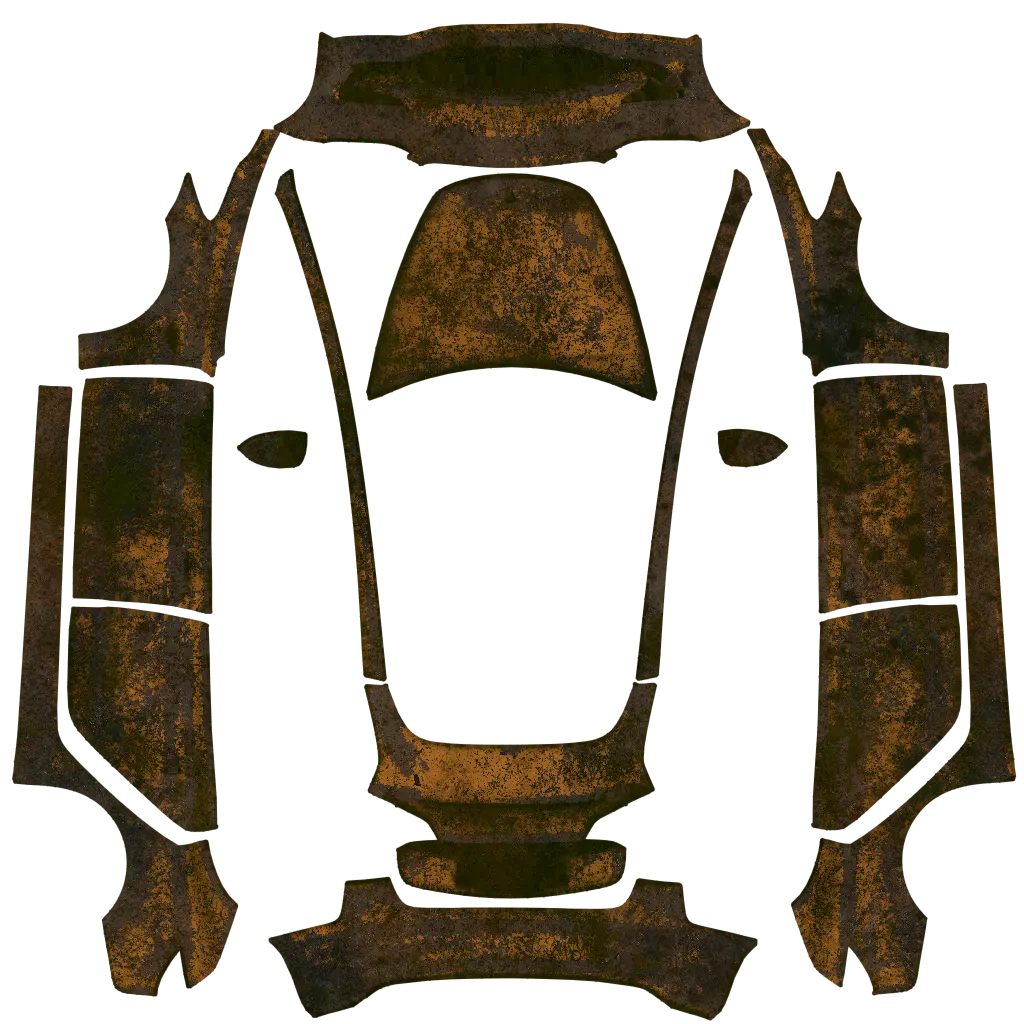 resident evilTesla Model 3 2017-2023 · communityView design →
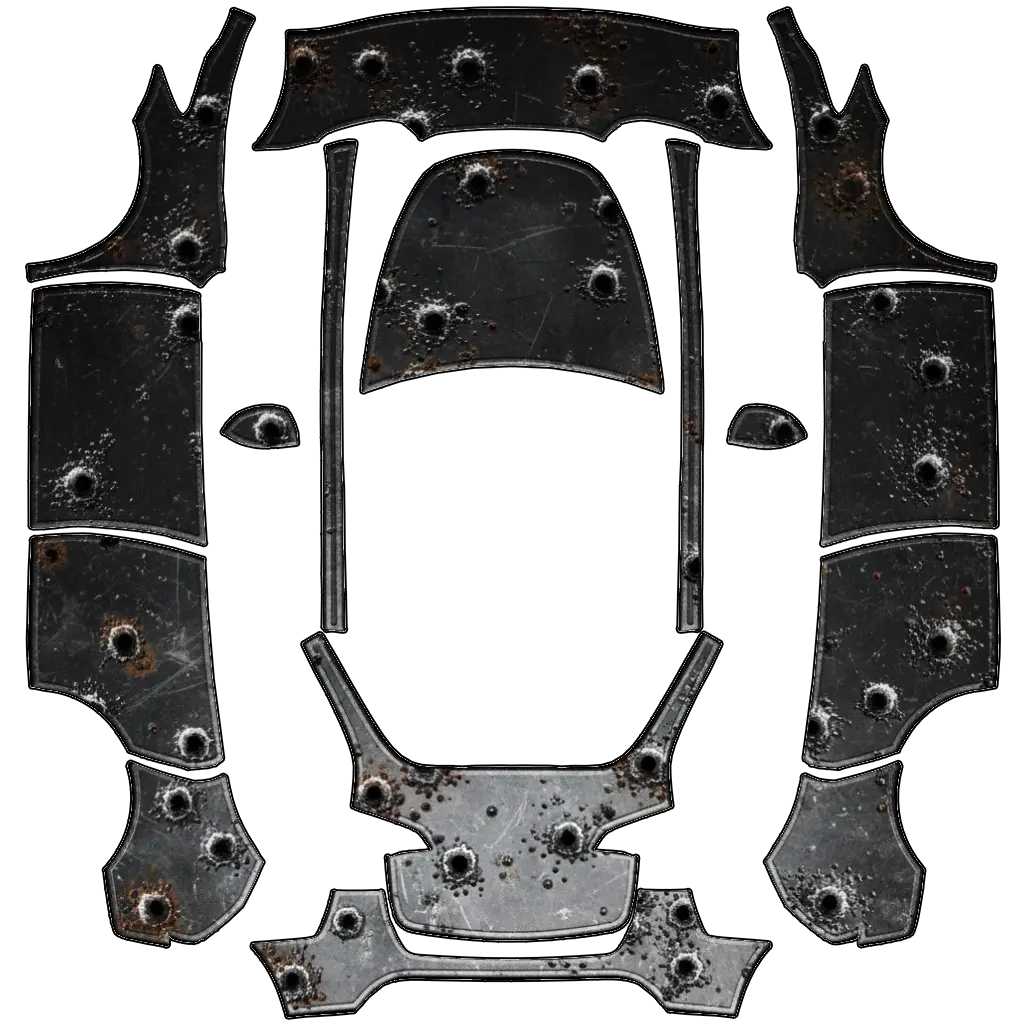 stealthTesla Model Y 2020-2024 · communityView design →
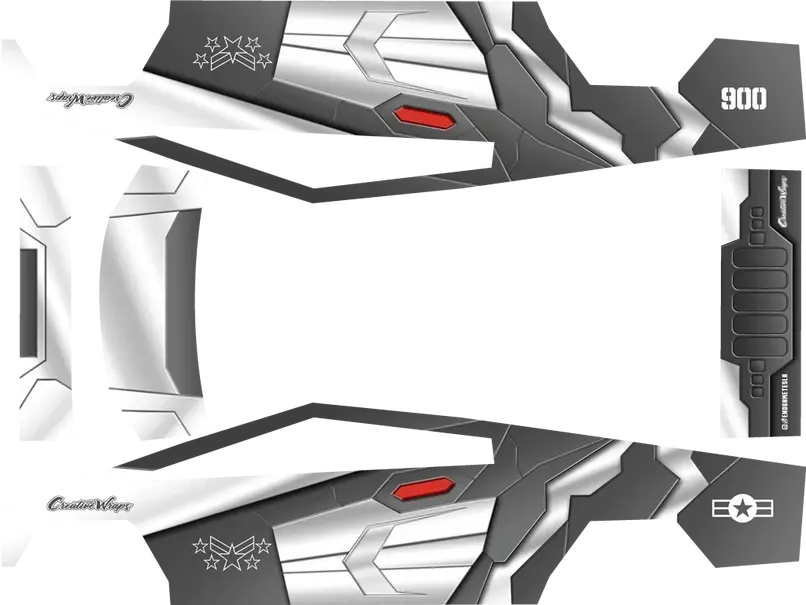 Unnamed 2Tesla Cybertruck 2024 2025 · communityView design →
 residentTesla Model 3 2017-2023 · communityView design →
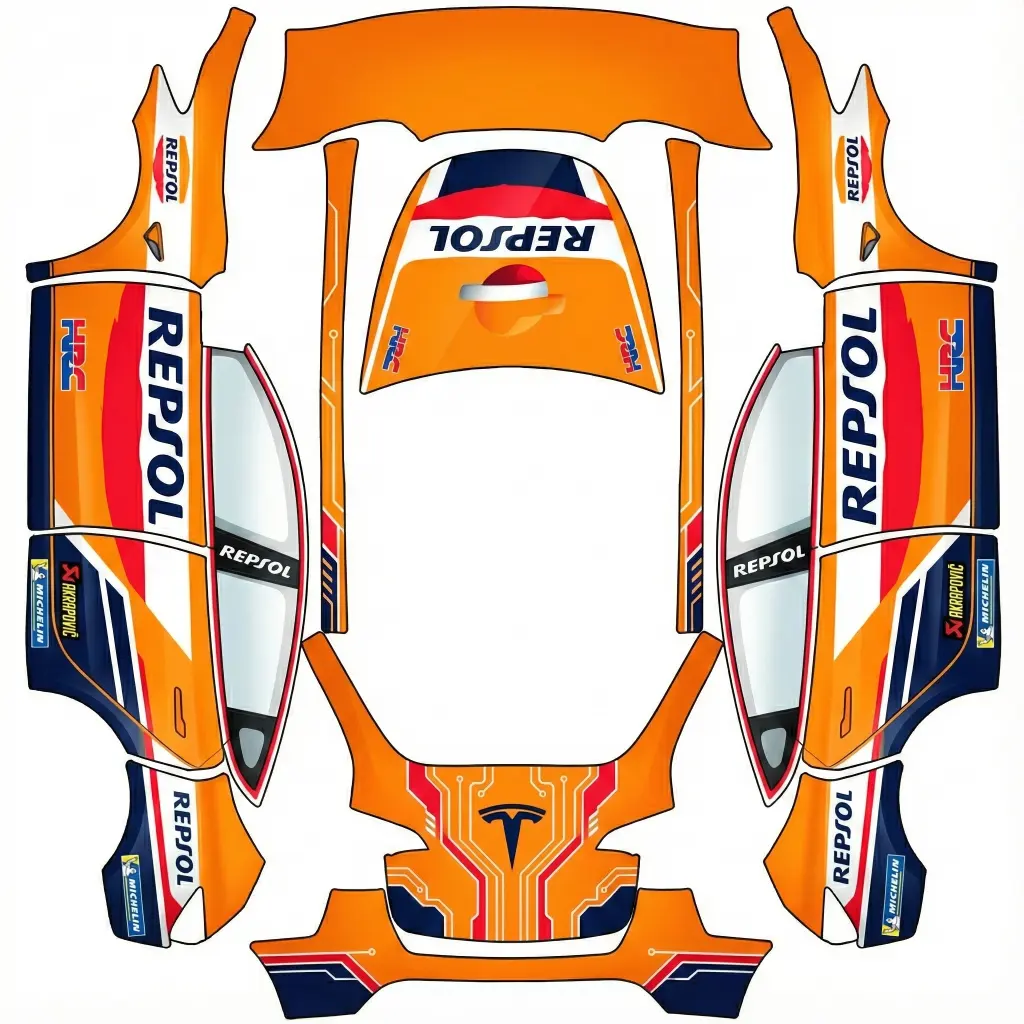 repsolTesla Model Y 2020-2024 · communityView design →
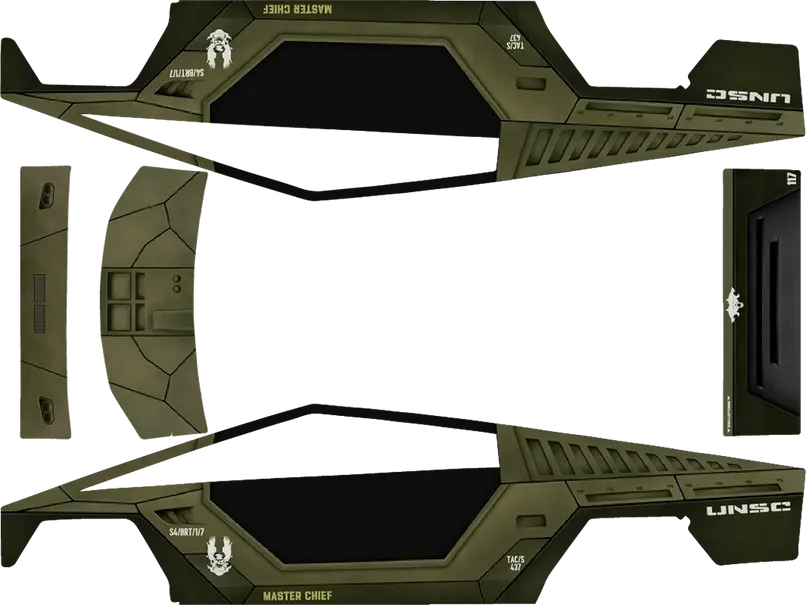 Unnamed 1Tesla Cybertruck 2024 2025 · communityView design →
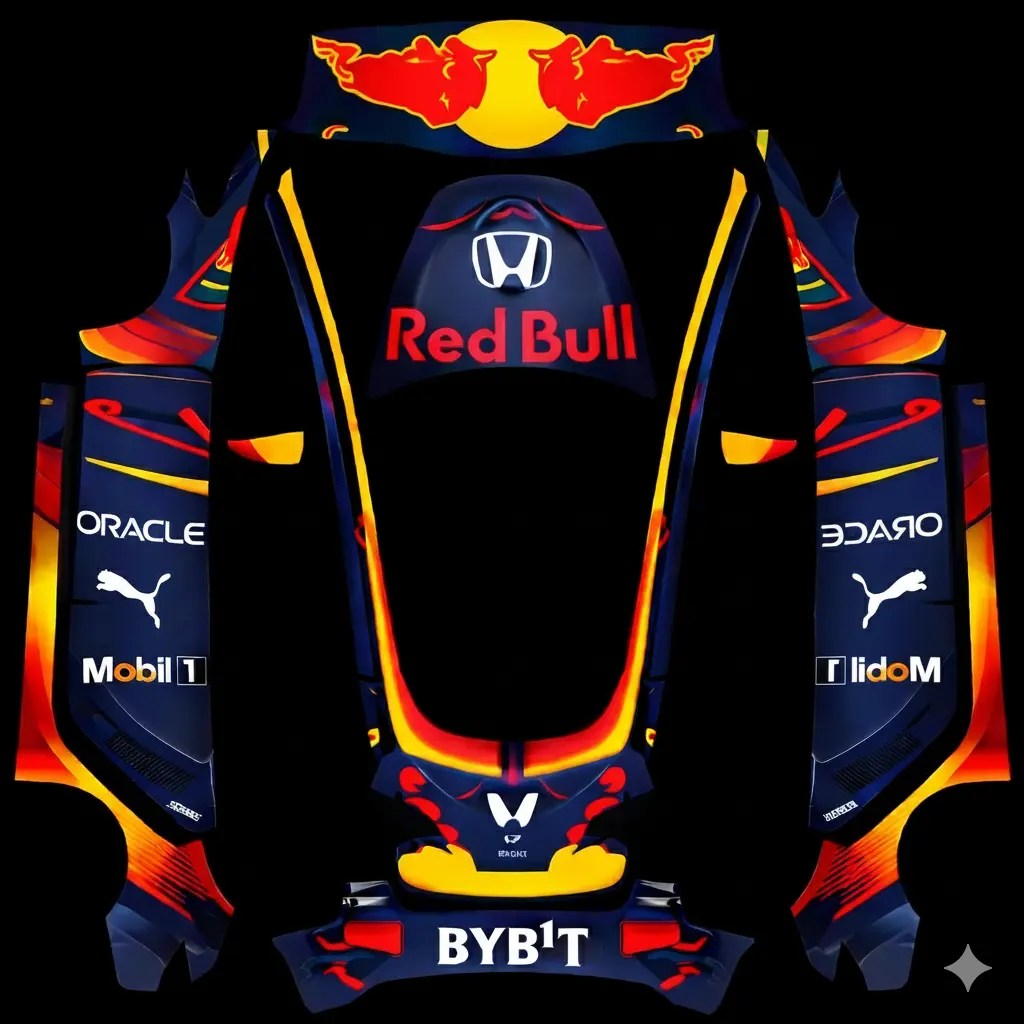 redbullTesla Model 3 2017-2023 · communityView design →
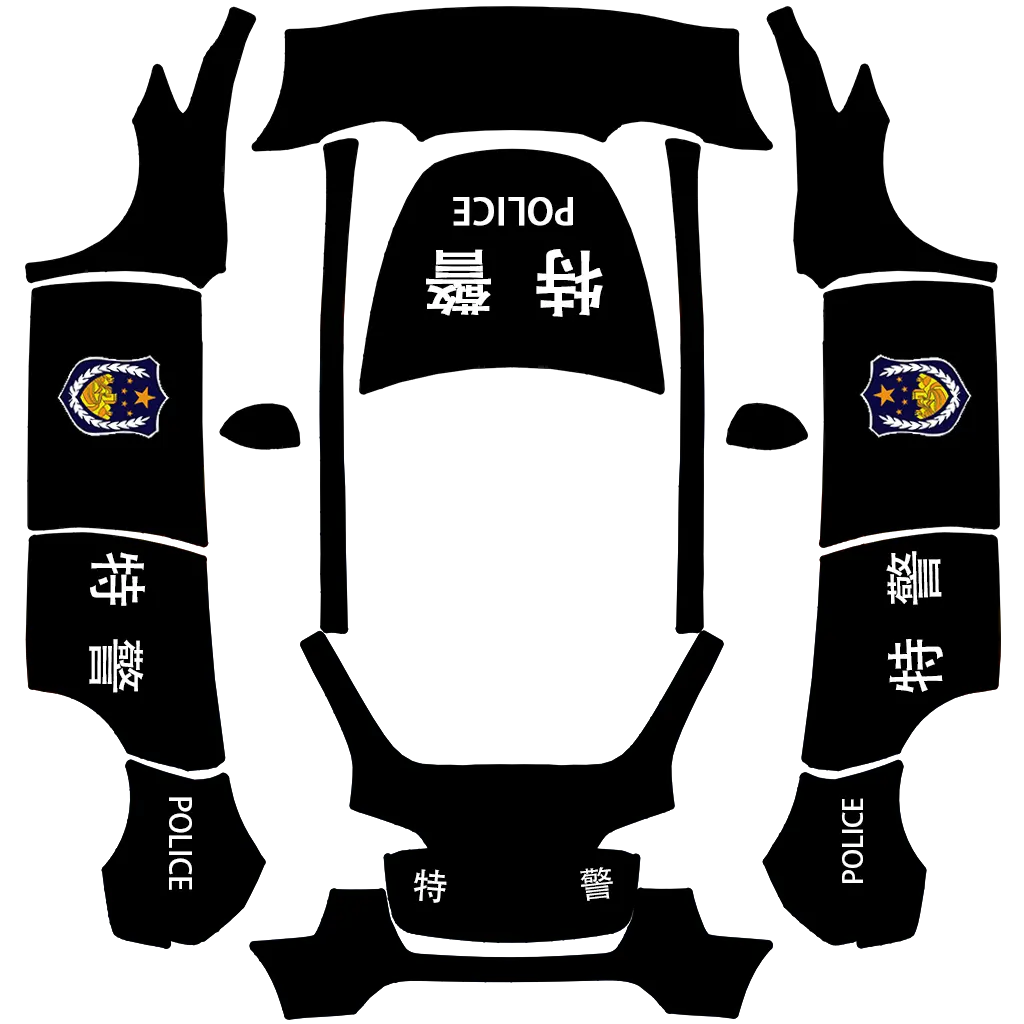 police2Tesla Model Y 2020-2024 · communityView design →
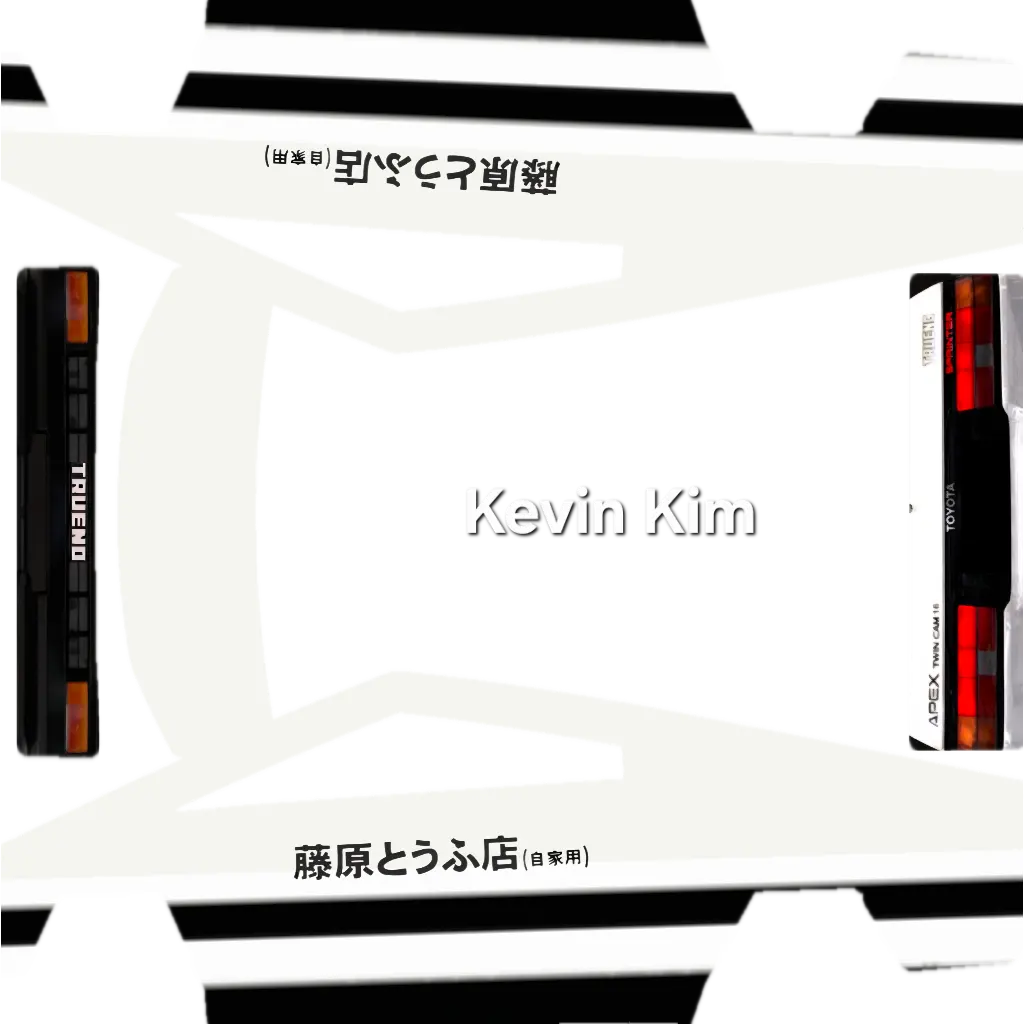 Toyota SPRINTER TRUENO GT-APEX AE86Tesla Cybertruck 2024 2025 · communityView design →
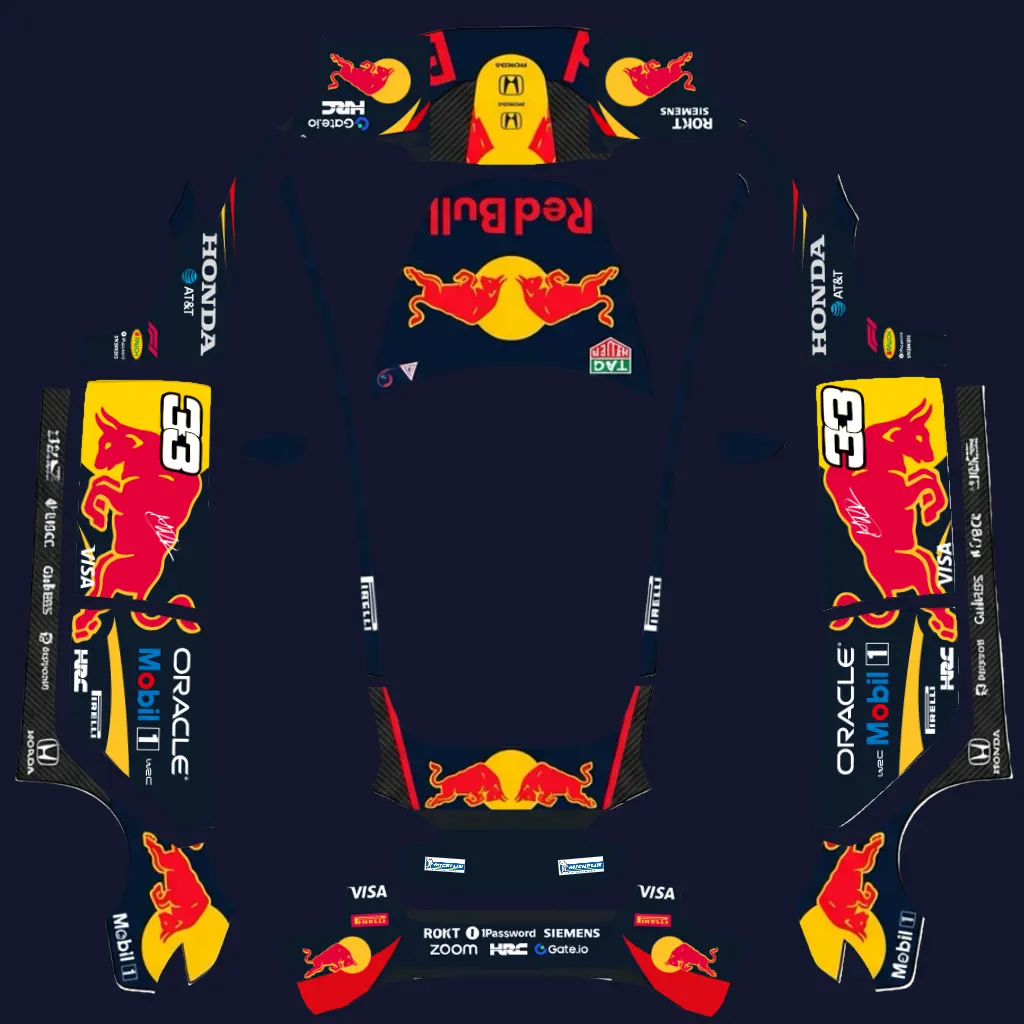 redTesla Model 3 2017-2023 · communityView design →
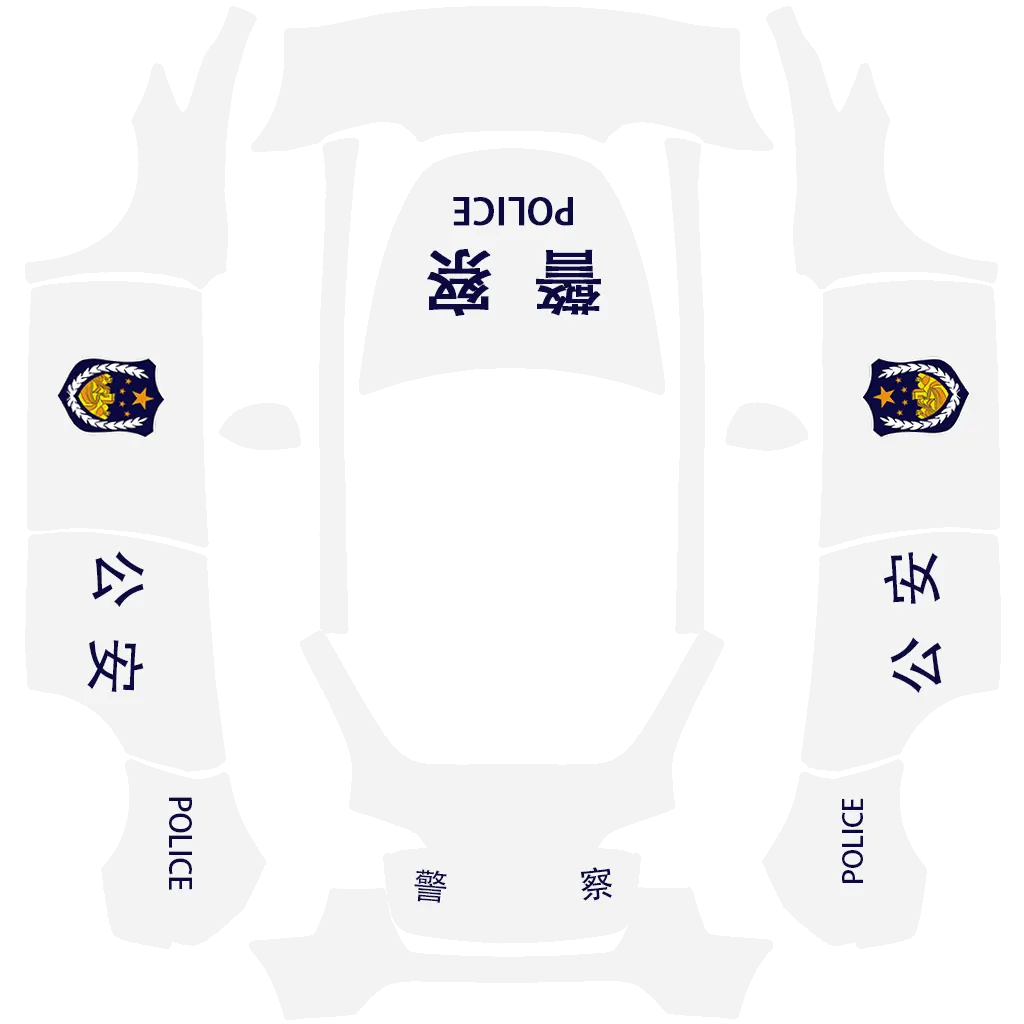 police1Tesla Model Y 2020-2024 · communityView design →
 PlaidTesla Cybertruck 2024 2025 · communityView design →
 porcheTesla Model 3 2017-2023 · communityView design →
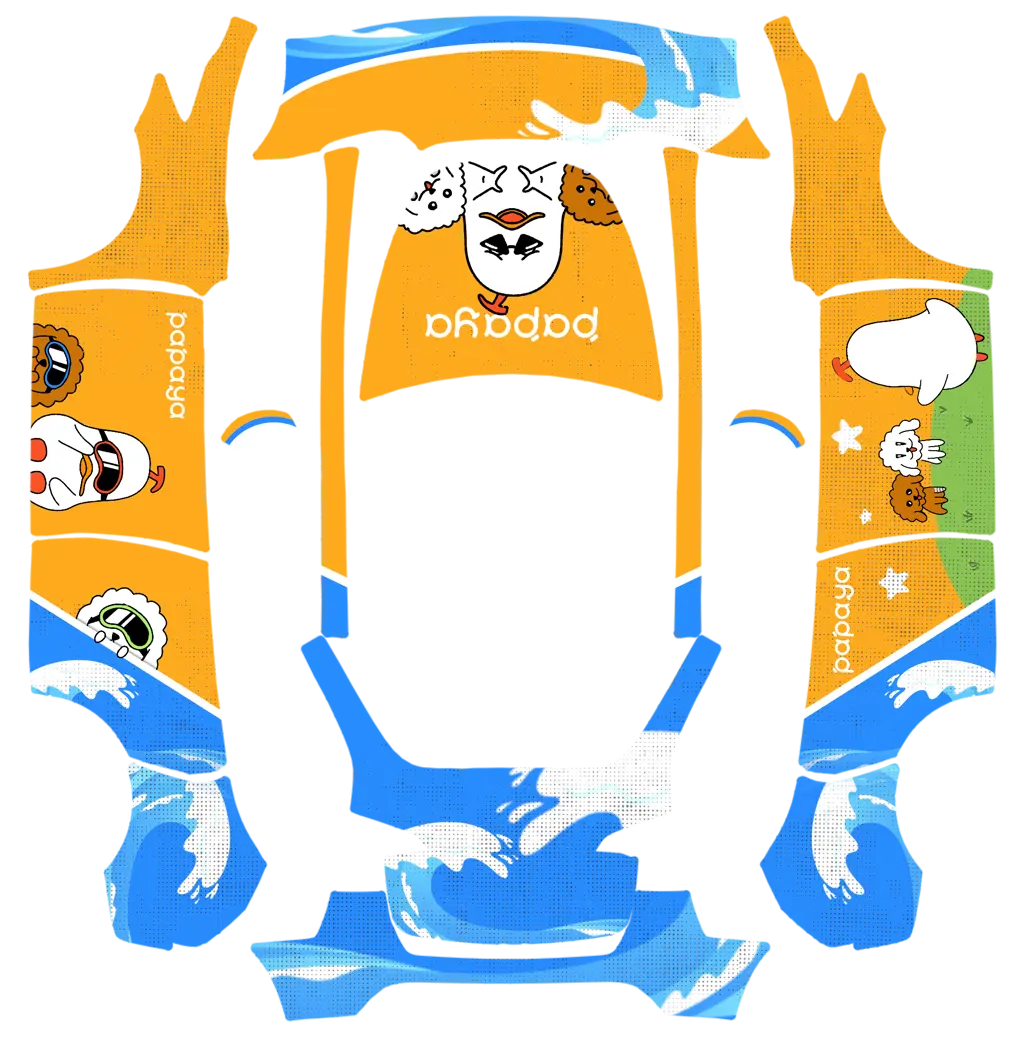 papayaTesla Model Y 2020-2024 · communityView design →
 All blackTesla Cybertruck 2024 2025 · communityView design →
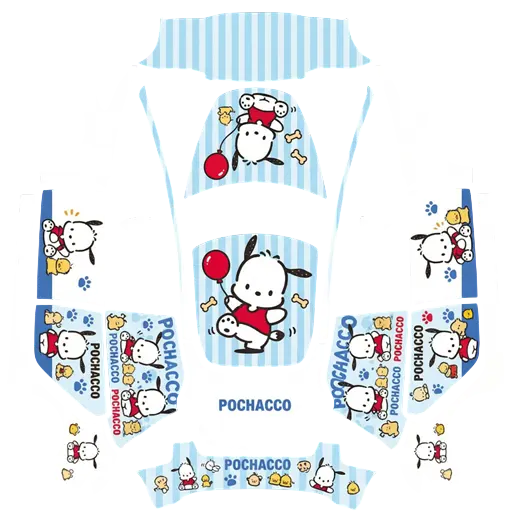 pcTesla Model 3 2017-2023 · communityView design →
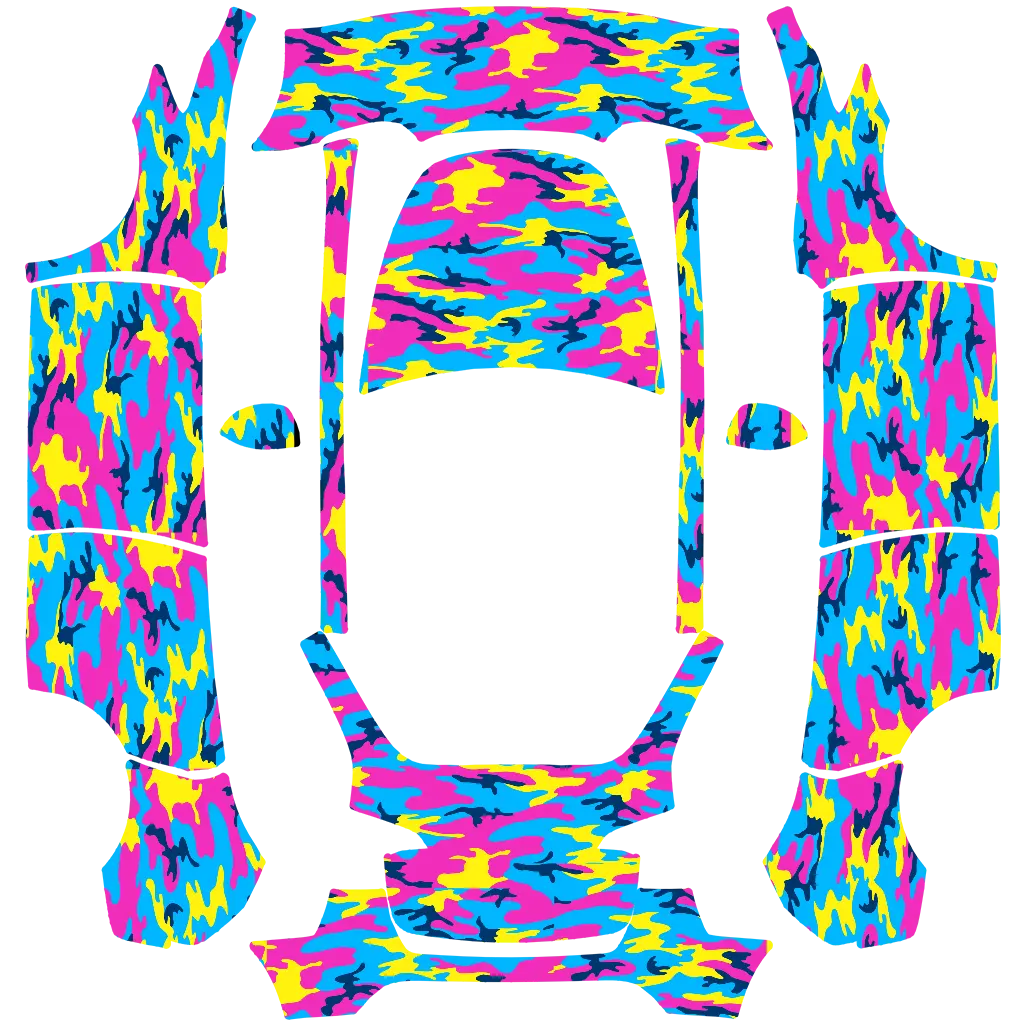 neon camoTesla Model Y 2020-2024 · communityView design →
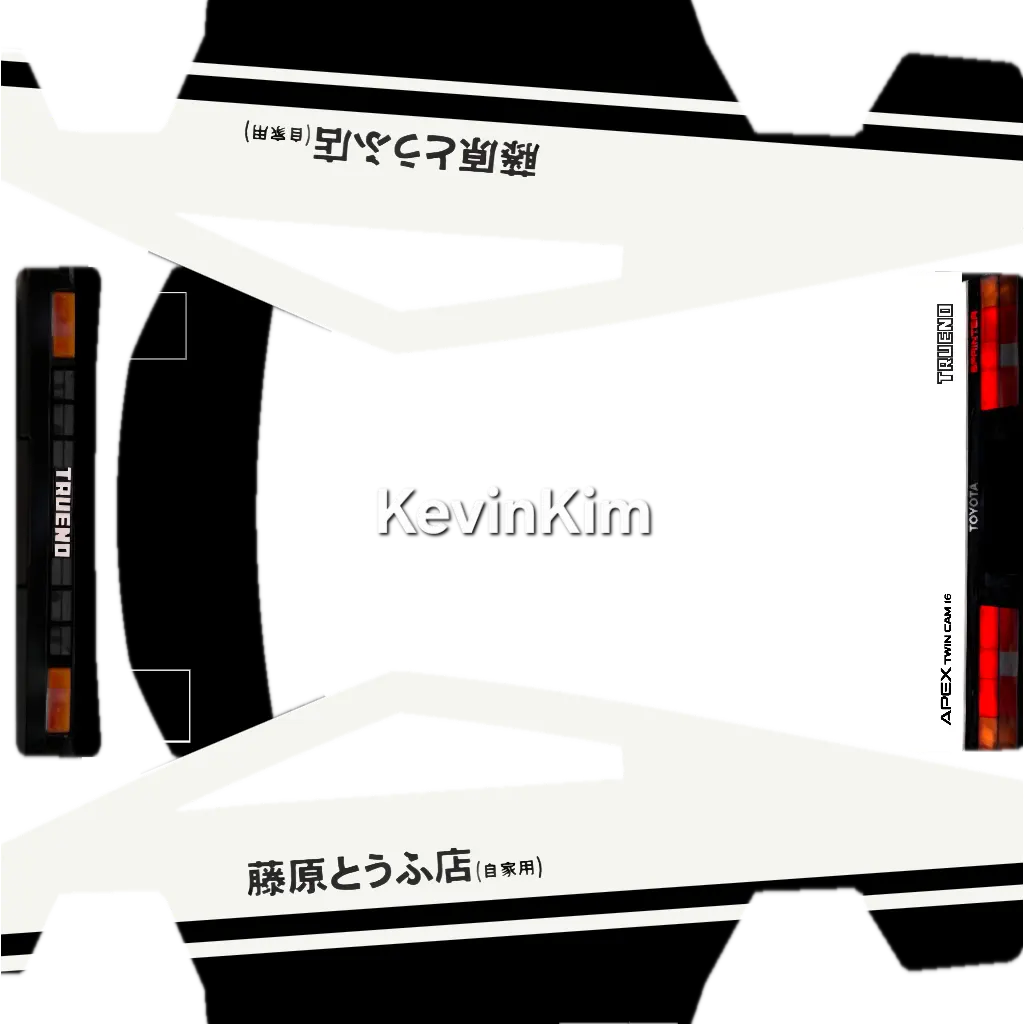 AE 86Tesla Cybertruck 2024 2025 · communityView design →
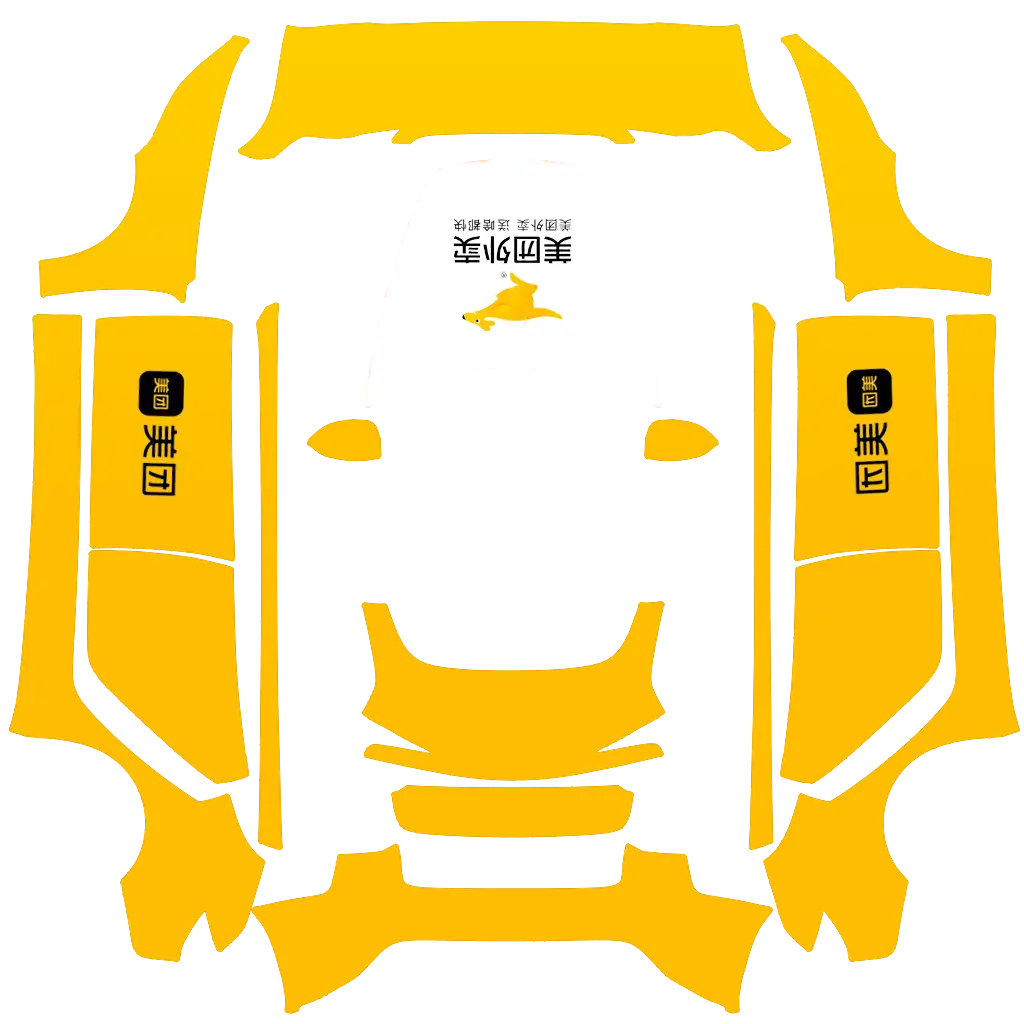 meituan-takeoutTesla Model 3 2017-2023 · communityView design →
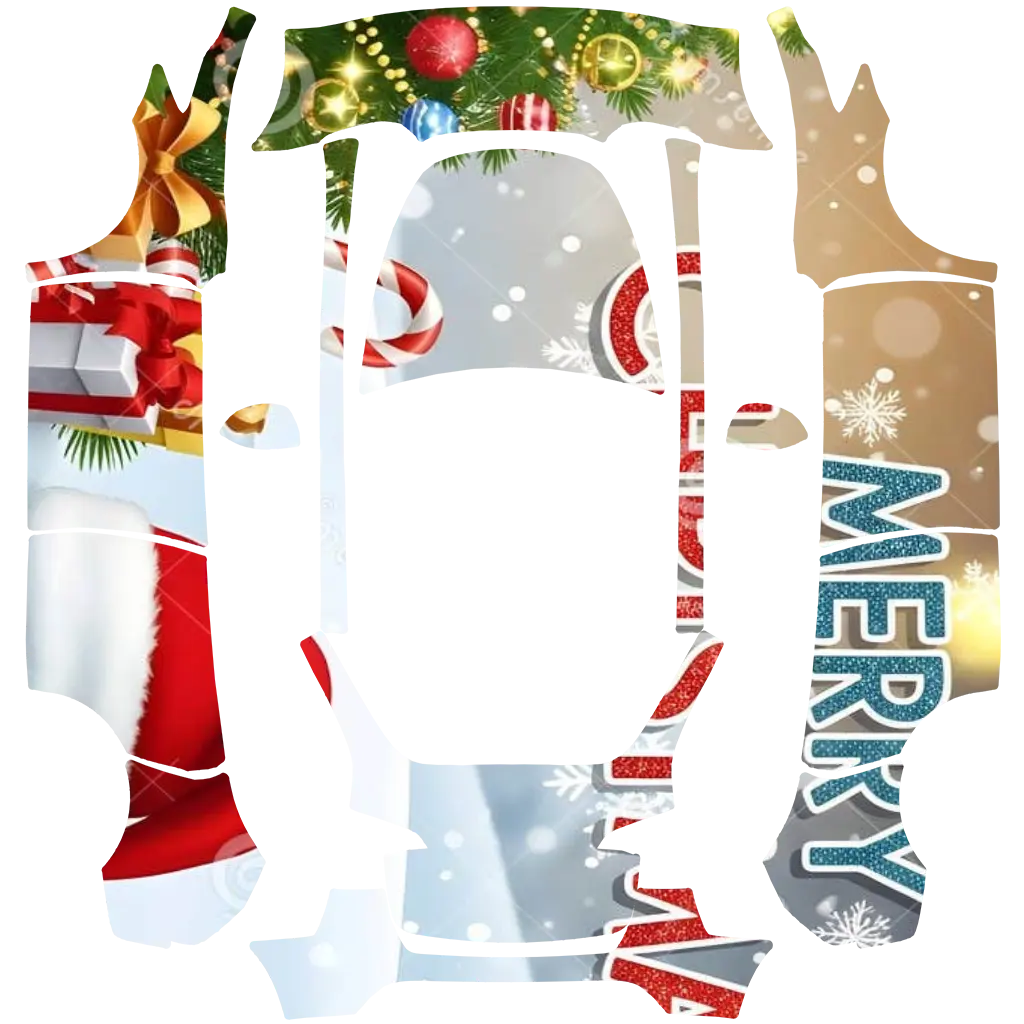 merrycristmasTesla Model Y 2020-2024 · communityView design →
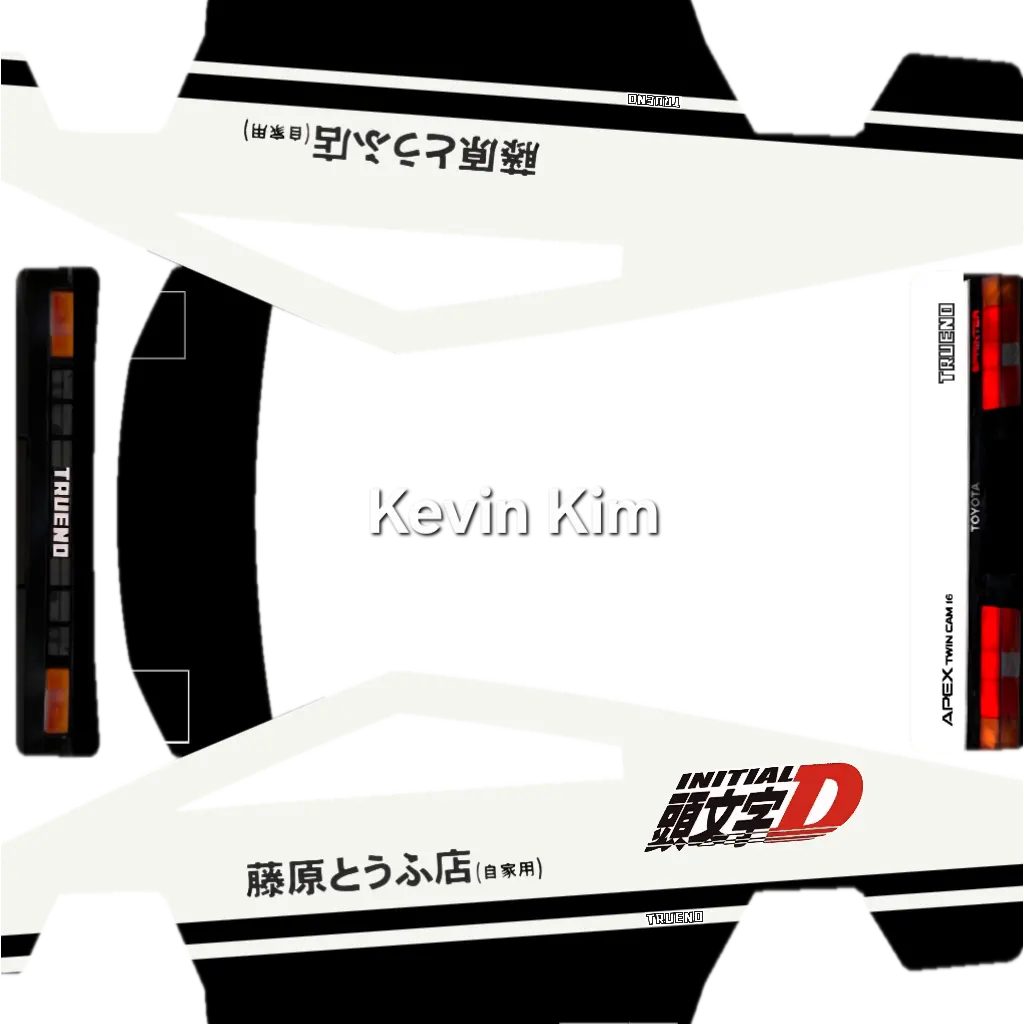 AE86 DTesla Cybertruck 2024 2025 · communityView design →
TESLA WRAP INSPIRATION
Explore Tesla wraps, skins and color ideas in one place.
A Tesla wrap can change the character of a vehicle without changing the original design underneath. Matte black creates a quiet, technical appearance, satin dark grey softens reflections, and color-shift artwork produces a different impression as the viewing angle changes. Tesla Wrap Colors brings these ideas into one searchable gallery so you can compare directions before opening a design.
The gallery covers Tesla Model 3, Model Y, and Cybertruck, including several model- and year-specific canvases. Every vehicle has different proportions, so a wrap that works on a low Model 3 sedan may feel very different on a taller Model Y or the flat, angular panels of a Cybertruck. Model pages keep compatible ideas together and provide a direct route into the browser preview.
This is both an inspiration library and a practical visual tool. Search by design name, filter by model or category, compare finish guides, and open a result in the free designer. The preview helps you understand color placement and overall composition before you export a model-specific PNG for a supported Tesla Paint Shop workflow.
TESLA WRAP COLORS
Browse Tesla wraps by color and finish.
Begin with a finish you already like, then compare how it changes across different Tesla body shapes.
HOW THE TESLA WRAP DESIGNER WORKS
Move from a Tesla wrap idea to a model-specific preview.
02
Find a Tesla wrap design
Search the live gallery, compare color and finish ideas, and open any compatible design without creating an account.03
Preview and export your wrap
Inspect the layout in 2D or 3D, then use the export checker to verify PNG format, dimensions, file size, and filename.Choose the correct canvas. A Model 3 template is not interchangeable with a Model Y or Cybertruck layout. Starting with the exact model reduces guesswork and makes the digital wrap preview more useful.
Compare more than one direction. Open several designs on the same vehicle. Look at broad color balance before focusing on small graphic details, because large shapes remain visible from a distance.
Keep the workflow local. The editing session stays in your browser. You do not need an account, and the site does not publish your color or layout choices to a public profile.
POPULAR TESLA SKIN STYLES
Finish changes the design as much as color.
Matte Tesla wraps
Matte finishes reduce sharp reflections and create an understated surface. Matte black is the most direct example: it emphasizes the silhouette, darkens visual seams, and creates strong contrast with glass, lighting, and bright wheel finishes.
Explore matte black →Satin Tesla wraps
Satin sits between matte and gloss. It keeps a controlled sheen that reveals shoulder lines and panel curves without producing a mirror-like result. Dark grey is a useful neutral because it changes subtly between shade and direct light.
Explore satin dark grey →Chrome and color-shift ideas
Reflective and color-shift concepts are designed for a more expressive Tesla wrap. They respond strongly to the environment and viewing angle, so a rotating preview is especially useful before choosing the overall direction.
Search the gallery →Carbon fiber Tesla skins
Carbon-fiber-look artwork relies on visible texture rather than a single color. It can be used as a roof or trim accent, or as the basis for a dark performance-inspired design with stripes and geometric details.
Explore carbon fiber skins →TESLA WRAP IDEAS BY MODEL
Match the wrap to the vehicle shape.
The same palette can feel completely different on a sedan, crossover, or angular pickup.
Tesla Model 3
Tesla Model 3 wrap ideas
Low sedan proportions suit restrained color blocks, stripes, gradients, and satin finishes.Browse Tesla Model 3 wraps →Tesla Model Y
Tesla Model Y wrap ideas
A larger body surface gives flowing patterns, two-tone ideas, and bold colors more room to read.Browse Tesla Model Y wraps →Tesla Cybertruck
Tesla Cybertruck wrap ideas
Flat panels and angular geometry work well with technical patterns and high-contrast concepts.Browse Tesla Cybertruck wraps →Model 3 wrap ideas often use long horizontal graphics that follow the low roofline and clean side profile. Restrained neutrals, satin metallics, racing-inspired stripes, and controlled gradients all work with the sedan’s proportions.
Model Y provides more visual surface area across the doors and rear quarter panels. Larger patterns and two-tone treatments can remain readable without making the composition feel crowded. Cybertruck offers a different canvas again: its flat surfaces make angular graphics, camouflage, and technical patterns feel intentional.
TESLA PAINT SHOP
Create a Tesla wrap preview your car can display.
Tesla Paint Shop can use a custom image texture to change the vehicle visualization shown by supported software. Tesla Wrap Colors helps prepare that model-specific digital texture. Choose a compatible design, inspect its layout, and use the export checker before transferring the PNG.
A Paint Shop PNG is not the same as a production file for a physical vinyl installation. Professional vehicle wrapping requires separate panel measurements, print preparation, material selection, seams, and installation work. The gallery can provide visual inspiration, but a physical wrap should be prepared with an experienced installer.
Before exporting, confirm that the selected canvas matches your Tesla. Keep important artwork away from uncertain panel boundaries and review the complete preview rather than judging a single side. The checker then verifies that the file remains a PNG, fits the supported dimension range, stays within the file-size limit, and uses a safe filename.
TESLA WRAP PLANNING TIPS
Choose a design that works beyond the first impression.
Start with the purpose
A daily-driver Tesla wrap may prioritize a calm, maintainable finish. A promotional or show concept may use stronger contrast, detailed graphics, or a color-shift treatment intended to attract attention.
Review different lighting
Dark finishes can look nearly black in shade and reveal more color in direct light. Satin and reflective concepts also change with the environment, so compare several preview angles.
Use contrast deliberately
Bright colors emphasize the vehicle outline, while dark wraps visually connect the windows and body openings. Detailed patterns should still read clearly when the vehicle is viewed from a distance.
Confirm the final workflow
For Paint Shop, follow the current vehicle requirements when transferring the PNG. For physical vinyl, ask an installer about film type, seams, care, warranty, and local availability.
BUILT FOR A CLEAN HANDOFF
From Tesla wrap inspiration to a checked export.
Live wrap gallery — current public designs with descriptive image text and model filters.
Local sticker editor — add your own images without sending the files or design settings to our servers.
Model-specific export — a clear pass or fail result before the PNG leaves your device.
TESLA WRAP FAQ
Frequently asked questions about Tesla wraps.
What is a Tesla wrap?
A Tesla wrap can mean a physical vinyl film applied over the vehicle paint or a digital texture used by Tesla Paint Shop. This site focuses on wrap inspiration, browser previews, and model-specific Paint Shop PNG exports.
Can I preview a Tesla wrap before choosing it?
Yes. Select a compatible design and open it in the browser studio. Supported vehicles provide a live 3D preview, while other variants use an accurate 2D wrap canvas.
Which Tesla models are supported?
The current gallery supports Model 3, Model Y, and Cybertruck, including several year- and trim-specific canvases.
Are the Tesla wrap designs free to browse?
Yes. You can browse the gallery, search designs, and open the browser preview without creating an account. Individual library designs may still have their own labels or usage conditions.
Does the designer create a physical vinyl print file?
No. The exported PNG is intended for a supported Tesla Paint Shop workflow. A physical vehicle wrap requires professional panel templates, print preparation, material selection, and installation.