PAINT SHOP HOW-TO
Tesla wrap not showing in Paint Shop?
Check the saved PNG, filename and transfer method before trying again.
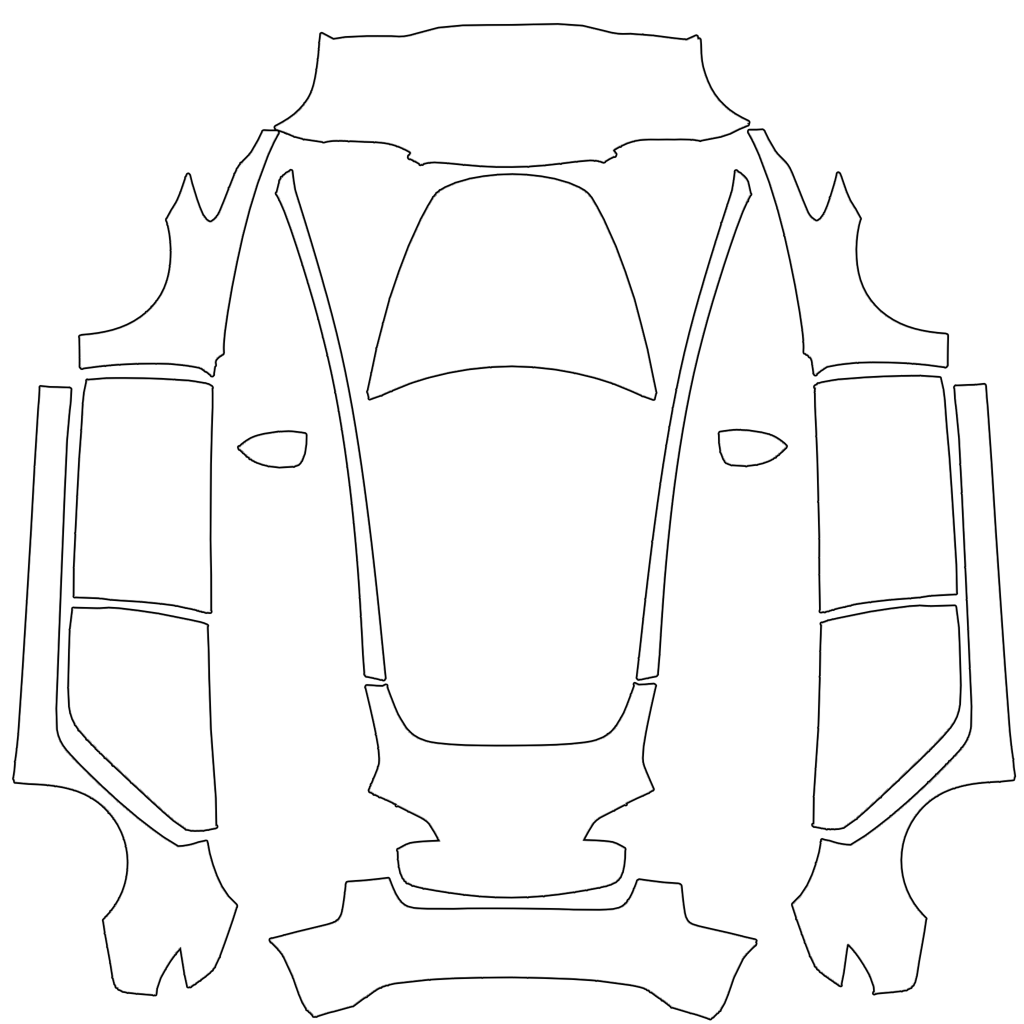
- Inspect the actual fileUse a real PNG, no larger than 1 MB. Tesla lists 512×512 to 1024×1024 pixels and recommends the model’s template size. Keep the original layout; renaming a JPG does not convert it.
- Simplify the filenameUse letters, numbers, spaces, underscores or dashes, within 30 characters. Try a short name such as my-wrap.png. Tesla allows up to 10 wraps from each source: the app and USB.
- Check the transfer pathFor USB, check the supported format and the root-level Wraps folder. For the app, check version 4.59.0 or later. If the file appears but panels look wrong, select the template for your exact model.

A real phone photo showing Creations → Wrap and the upload progress bar, published by Not a Tesla App. Your app layout may differ by version. Image source: Not a Tesla App ↗
Checked October 3, 2026. Transfer steps and file requirements: Tesla’s official custom-wraps instructions.